Shelley
Well-known member
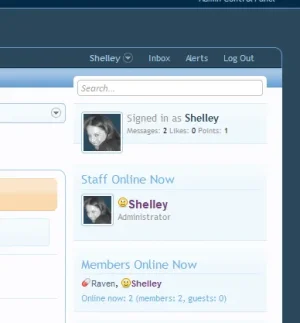
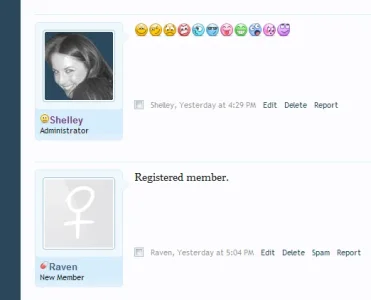
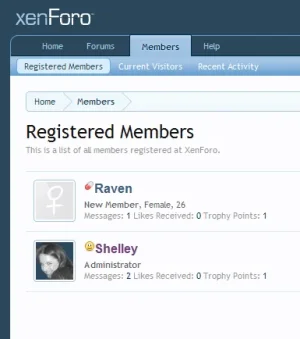
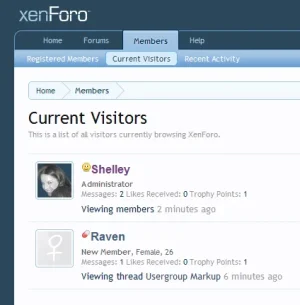
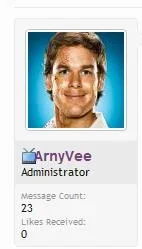
The following enhancement will show an image beside the usergroups that you assign the markup to on the Staff who's Online listings block, Registered Members page & in the Postbit.
Login into your AdminCP >> Users >> User Groups & click on the usergroup that you want to apply the new markup to.
In the Username CSS Box paste in the following code:
If you require for the markup to show in the Members Online Now listings you'll have to go into the the sidebar_online_users Template and make the following change. Thanks to Mental for allowing me to post the following code.
Search:
Replace with:
Login into your AdminCP >> Users >> User Groups & click on the usergroup that you want to apply the new markup to.
In the Username CSS Box paste in the following code:
Code:
font-family: "Lucida Grande" ,Helvetica,Arial,sans-serif;
font-weight: bold;
color: #73427c;
background-image: url(styles/default/xenforo/smilies/admin.png);
background-repeat: no-repeat;
padding-left: 13px;
If you require for the markup to show in the Members Online Now listings you'll have to go into the the sidebar_online_users Template and make the following change. Thanks to Mental for allowing me to post the following code.
Search:
Code:
class="username{xen:if '!{$user.visible}', ' invisible'}{xen:if {$user.followed}, ' followed'}">{$user.username}</a><xen:if is="{$i} < {$onlineUsers.limit}">,</xen:if>Replace with:
Code:
class="username{xen:if '!{$user.visible}', ' invisible'}{xen:if {$user.followed}, ' followed'}">{xen:helper richUserName, $user}</a><xen:if is="{$i} < {$onlineUsers.limit}">,</xen:if>