![[cXF] Node icons with image](https://xenforo.com/community/data/resource_icons/7/7490.jpg?1632687528)

BassMan
Well-known member
BassMan submitted a new resource:
[cXF] Node icons with image - DIY tutorial to change default FA node icons with image
Read more about this resource...
[cXF] Node icons with image - DIY tutorial to change default FA node icons with image
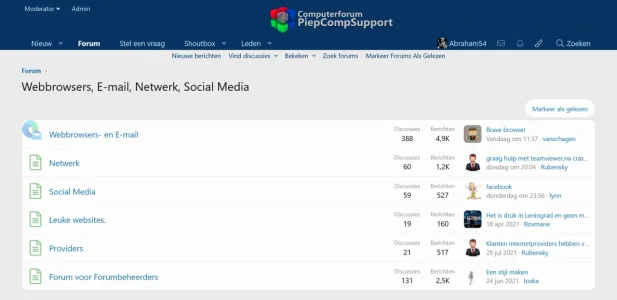
Would you like to change your default Font Awesome node icons with image like this?
< read node >
View attachment 213366
< unread node >
View attachment 213367
To change a single node icon with an image add this code to yourextra.lesstemplate:
Rich (BB code):/*** Node icons with image **/ .node.node--idX { .node-icon i { display: none; } &.node--forum {...
Read more about this resource...

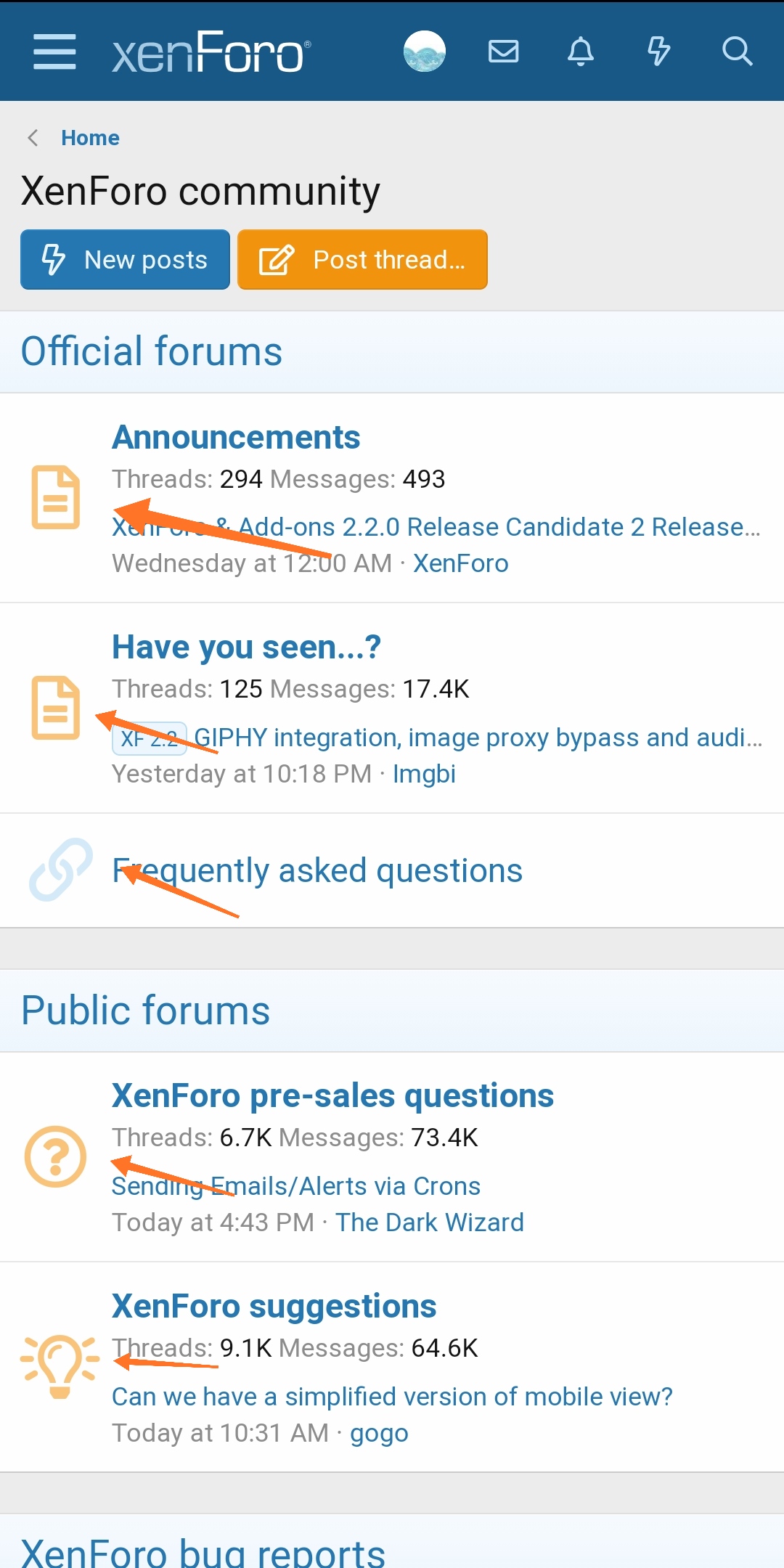
 I will give it a try