Resource icon

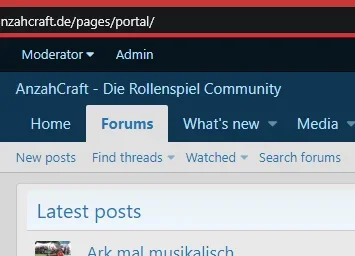
Page as portal homepage

RobParker

Well-known member
RobParker submitted a new resource:

Page as portal homepage - Guide to add a Page as a homepage including sidebar and latest posts to turn it into a simple portal

With XF2 it's really simple to add a Page as the homepage and populate it with widgets to create a "portal" page.

As a few people have asked how to do it I thought I'd post this quick guide.

Go to admin.php?nodes/ and click Add a Node

Select Page as the node type:
View attachment 158138

Set up the Page node and add any widgets you want to the template:
View attachment 158140

Navigation Section: Home (sets the page to the home tab).

I used
Code:
 <xf:h1 hidden="true" />...

Read more about this resource...
 
its really easy to make a home page with widget.

i would like to show the new post widget, to look like a blog listed on page.

Image on left side, right side thread tittle with some description and link to read more.
than at bottom, tagging like from which forum this post is

If any one can post further tutorial it will be a great help.

Thank You
 
Using New Thread Widget on the homepage, also leaves the new threads on the forum page.
I am trying to show the New Threads on the homepage only.
Not sure if this issue on your end or XF widget...

You don't need to have a widget assigned to a position on the widgets page. You can have it with no position set and then set it directly in the template as I have above.

That way it'll only appear once.
 
I don't know what widgets the resource manager has available but that all sounds fairly doable.

You can create a page and set it's permissions just like you would a new forum.
You can set the tab with the navigation manager.
For the page content, if the resource manager has a widget to display widgets in category X then you're done. If not, it might need that widget creating.
 
It's worth noting that you can include text and images for some "about the site" information, if you also use an html widget. Sadly there isn't a widget with rich text editing so you do need to know some basic html.

But there is a workaround if you don't know any html:

Create a temporary posts, add you text and images then publish it and use your browser's view source to copy and paste the html into the html widget.
 
Back
Top Bottom