Eric J.
Well-known member
Eric J. submitted a new resource:
Configuring Rekt Homepage - Describes the process of setting up a homepage with Rekt.
Read more about this resource...
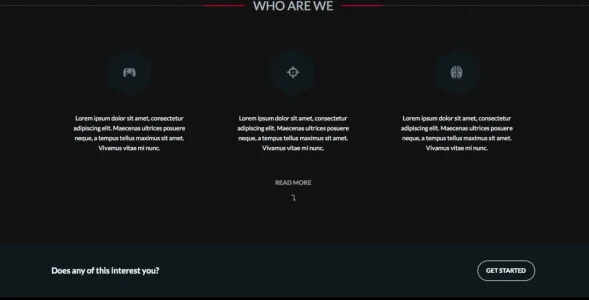
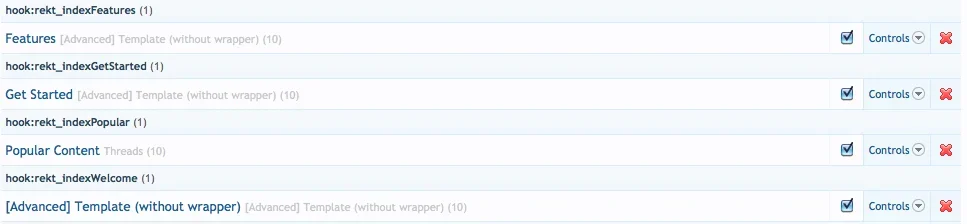
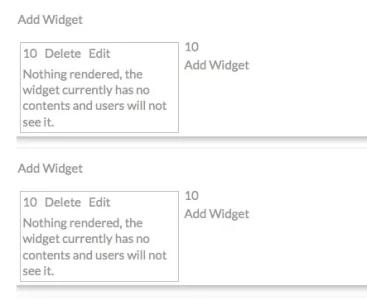
Configuring Rekt Homepage - Describes the process of setting up a homepage with Rekt.
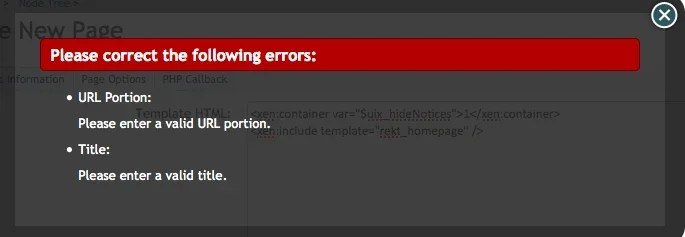
With both Rekt and the Widget Framework installed, navigate to Applications -> Create New Node in your ACP. Select Page in the first prompt, then under the Page Options tab in the next prompt paste this code in:
Code:<xen:include template="rekt_homepage" />
All of the other settings should be up to you, including this template is the only crucial part.
If you'd then like to make this page your default index,...
Read more about this resource...


 Or better - talk with the Rekt developer