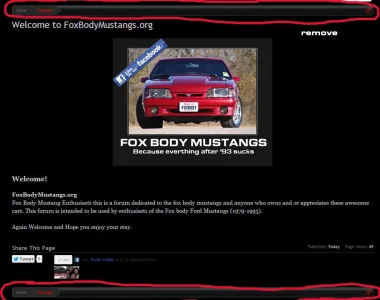
How to create a Page node

How to create a Page node

Thanks for the reply.

I can see the URL Portion, but that only gives me the last part of the URL. In this case it is 'commercusage' which I chose myself.

I tried a variety of versions of the URL structure you suggested, to no avail.

Is there not just a way to see all the pages on the site, with their URLs like in Wordpress? This seems like it should be a simple feature...
 
Copy the template content and add it to the page.

Sorry, I meant I can't find that image in my styles..
All, I see is
Code:
#SignupButton {
    background-color: white;
    border: 1px solid #DE5050;
    border-radius: 8px 8px 8px 8px;
    box-shadow: 0 2px 5px rgba(0, 0, 0, 0.2);
    cursor: pointer;
    display: block;
    height: 30px;
    line-height: 30px;
    margin: 10px 30px;
    padding: 3px;
    text-align: center;
}
 
Any idea how you would go about removing the "Forums" link from the breadcrumb for Page nodes that get added? The pages I'm adding are static, and they aren't sub-forums, which makes the breadcrumb a little confusing, as they aren't technically supposed to be located in the Forums section.
Strange, it's not showing in the breadcrumb now... I'll keep messing with the categorization before I ask questions next time. :)
 
Back
Top Bottom